All folders and files in the Global and Local Vaults can be accessed by double clicking on the name or on the icon beside the desired folder or file.
Files in the Global and Local Vaults can be accessed in two ways:
1. Through the Vault Itself
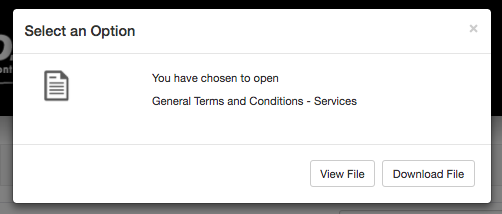
Note: Only PDFs can be viewed in your browser, and only if your browser is set to allow this. If you select a document other than a PDF or if your browser is set to download rather than view PDFs, your file will be downloaded instead.
2. From the Drafters Page
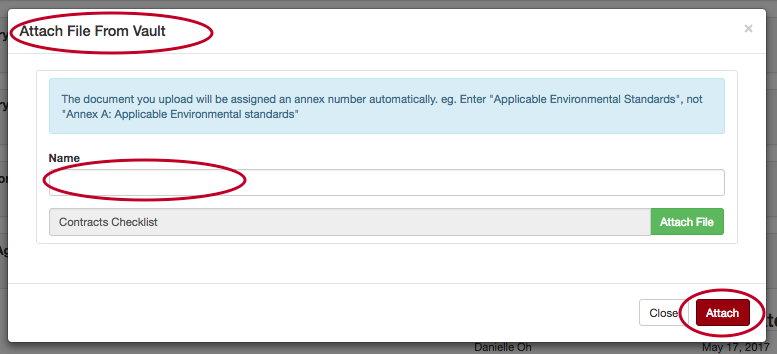
To add a Vault file as an attachment to your Orbidder project, click the “Attach” button in the relevant drafting field on the Drafters Page:

A pop-up window will open that will allow you to locate a file from the Global or Local Vault and attach it to your project:
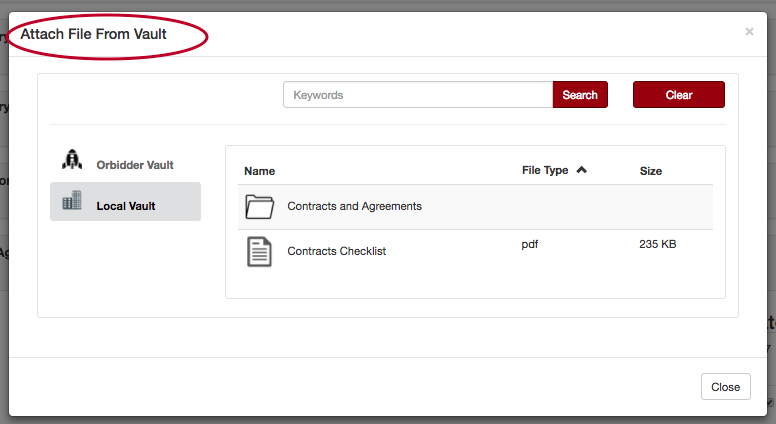
Once you’ve located and selected the file you want, you’ll be taken to a second pop-up window where you can name and attach your file: