The Snippet Library is a specialized part of the Orbidder Vault containing snippets of content that can be dropped into Orbidder drafting fields from within your Orbidder projects.
Using Snippets in Orbidder Projects
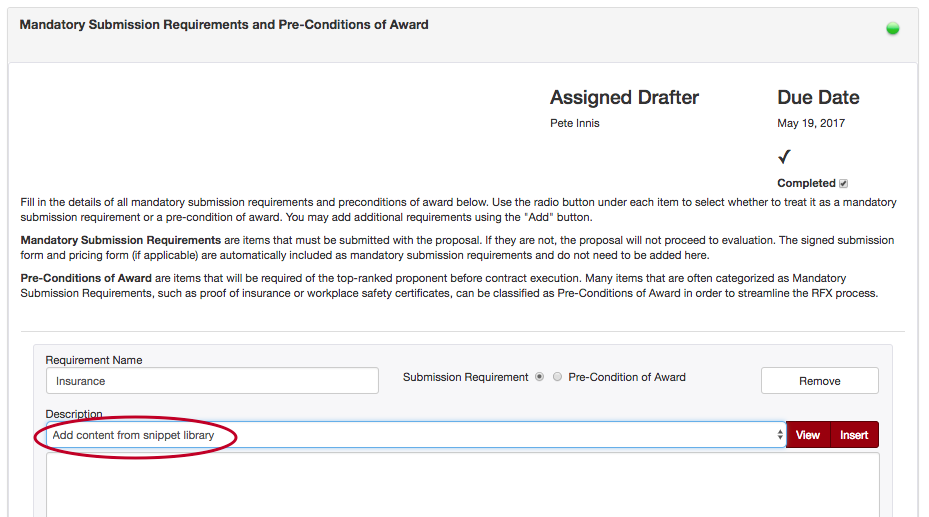
Snippet content can be accessed by drafters directly from the Drafters Page in Orbidder. Each drafting field that has access to Snippets will include a drop-down menu inviting drafters to add content from the Snippet Library:
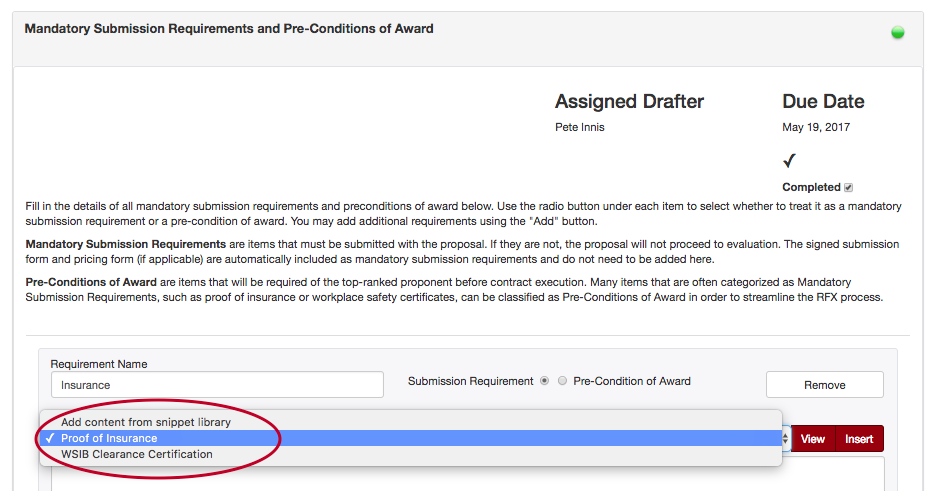
When you select “Add content from snippet library”, you will see a drop-down list of all snippets available for this particular drafting category:
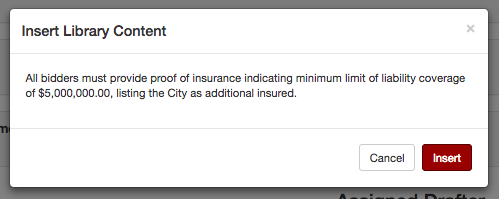
Select the file you want and select “View” to preview the content in a pop-up window:
Click “Insert” to add the content to your project, and Orbidder will insert the snippet into the drafting field:
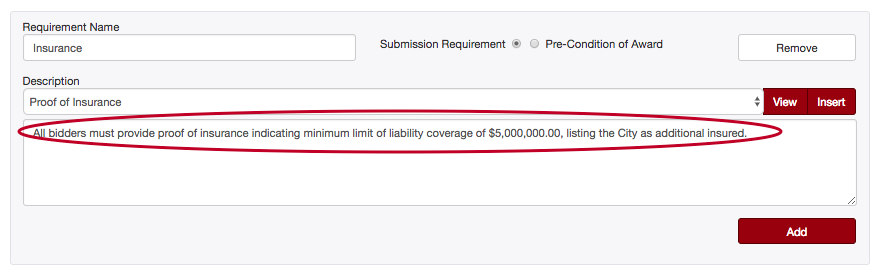
Please note: Snippet content will overwrite any existing content in the drafting field. If you plan to use snippet content in addition to other material, add the snippet content first, then revise or add text as desired.