Assigning a project-specific observer allows project teams to invite consultants, subject matter experts, or executives to your project, giving them read-only access to the project set-up and drafting as it occurs in real-time. Project observers can be assigned to any project by Heads of Procurement or the Procurement Lead for that project.
To assign someone as a project observer, a Head of Procurement or Client Administrator will need to create a user profile for that person or assign Observer (Project) permissions to an existing user account:

Please note: For more information about user roles, visit the Orbidder Roles page.
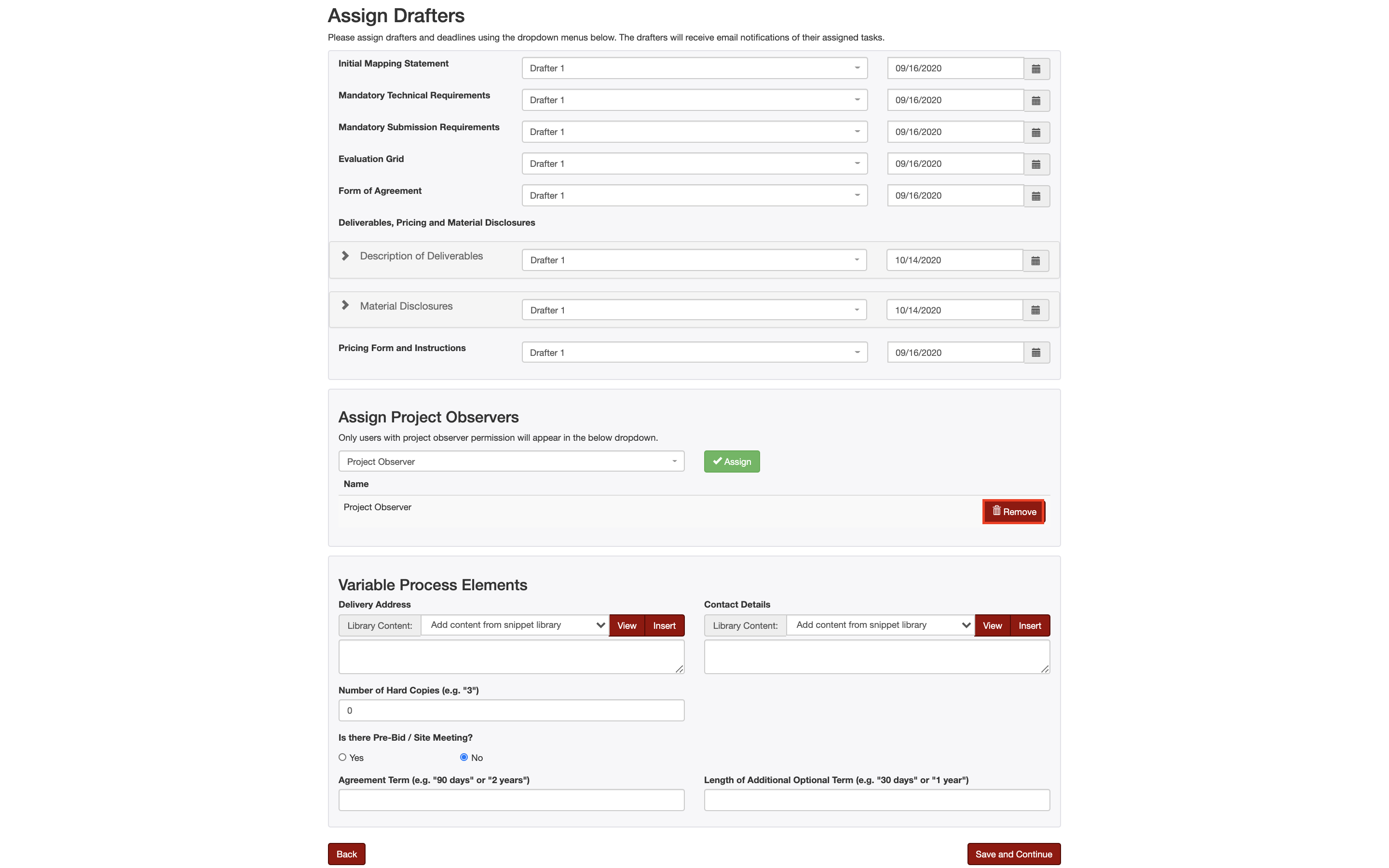
Project observers are assigned to projects on the Assign Drafters page:

After the user has the Observer (Project) role assigned to them, they will appear in the Assign Project Observers drop-down on the Assign Drafters page of the project you would like the user(s) to observe. Simply select the Observer (Project) you would like to have assigned to the project and click 'Assign':

Project observers can also have their access revoked from the project by clicking on the Remove button on the Assign Drafters page:
Please note: An unlimited number of project observers can be assigned to any one project.